
 01 / PHOTO
A studio look for your listings
Four studio settings, your dealership branding, and Original, Text or Logo plate options.
PHOTO STUDIOYour dealership. In every frame.
Give your vehicle listings a studio look, then turn your photos into vertical Stories and Reels with your dealership branding.
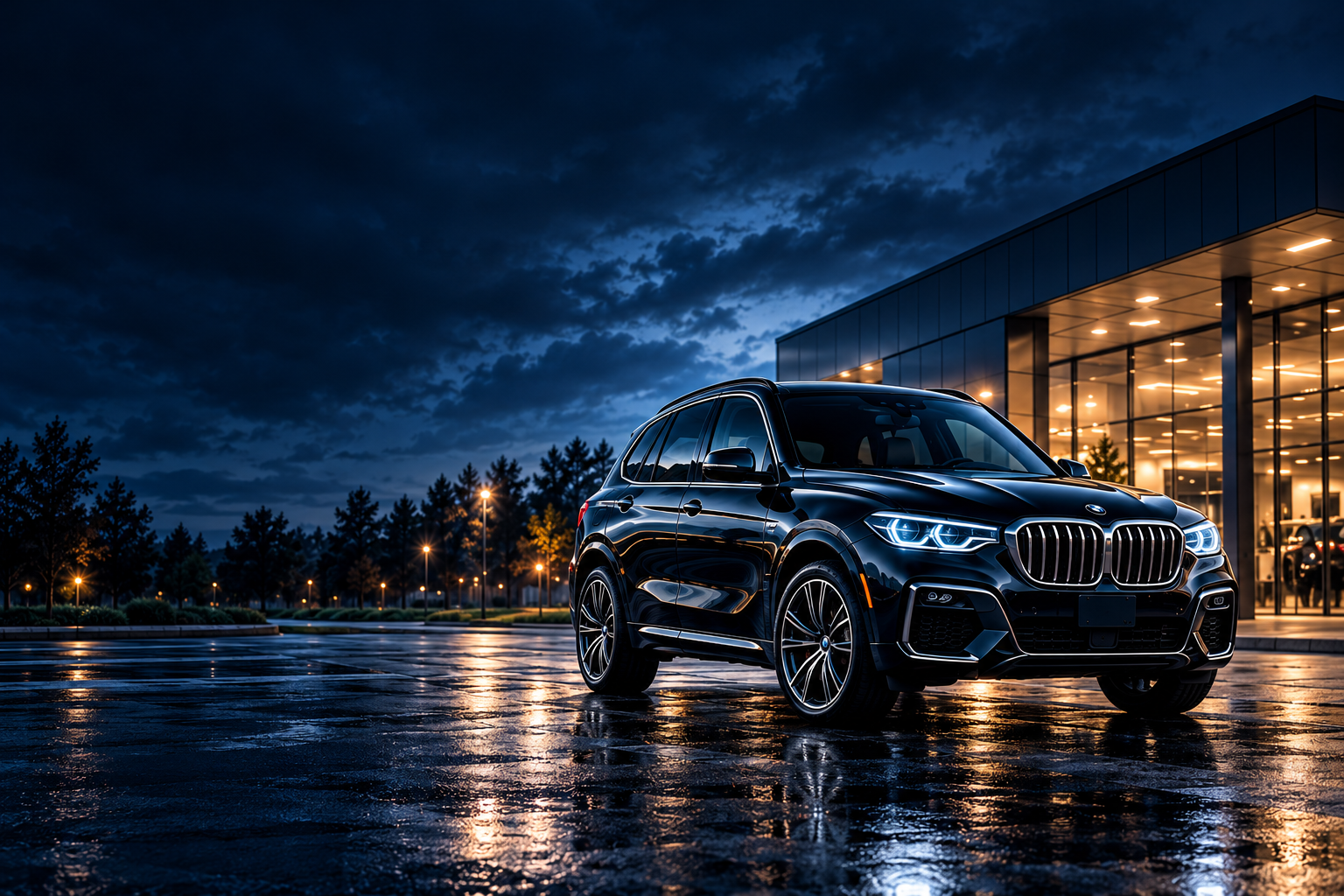
FROM LISTINGS TO SOCIAL
Your photos, dealership identity and finished content, together on your iPhone.
01 / PHOTOFour studio settings, your dealership branding, and Original, Text or Logo plate options.
PHOTO STUDIO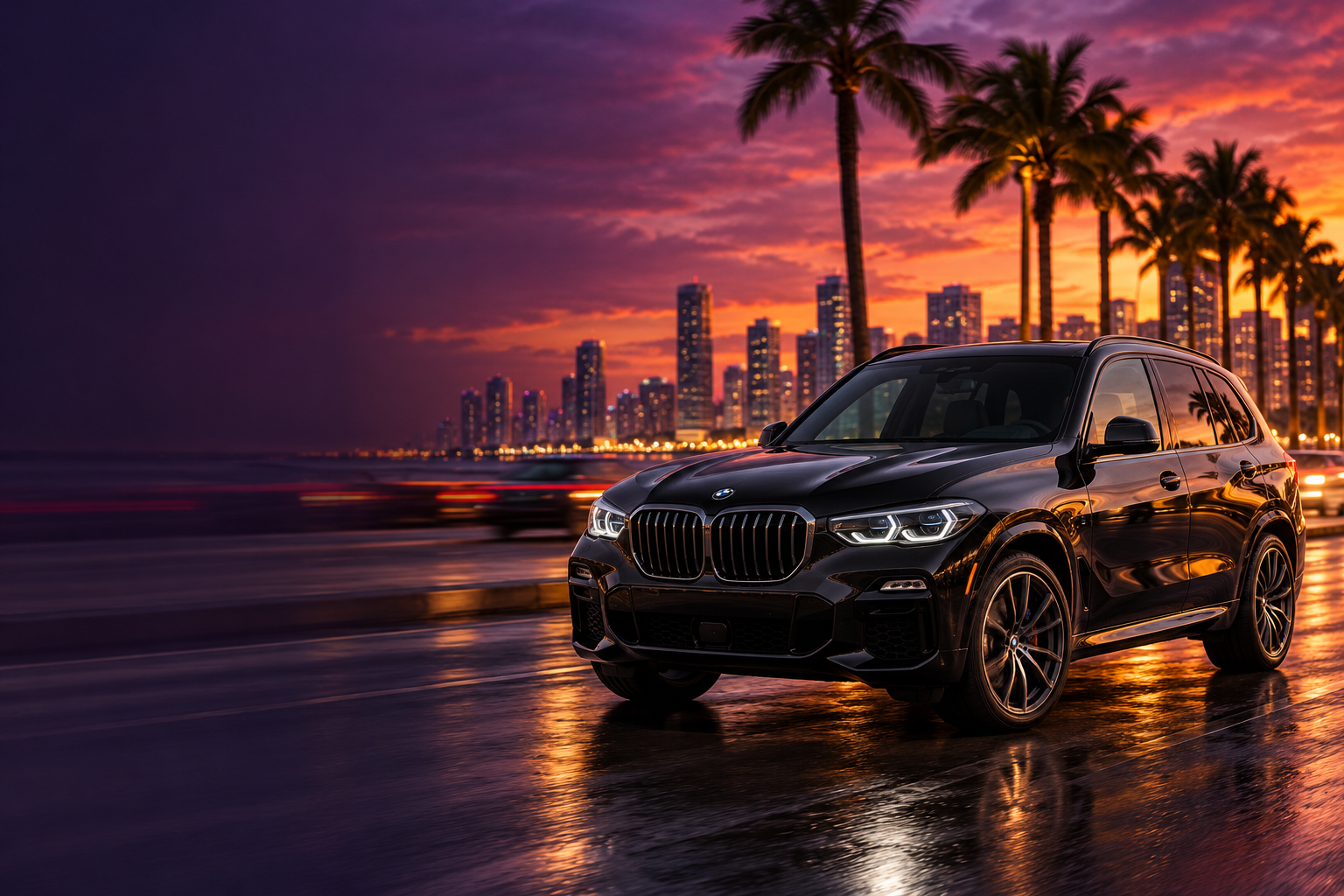 02 / REEL
Bring a photo sequence together in a vertical video. Add music and an optional dealership closing card.
PHOTOS → VERTICAL VIDEOFrame a vehicle for a vertical Story, add your own text and logo, then save or share the finished image.
ONE PHOTO → ONE STORYArtwork is illustrative. Feature availability follows the released app and your selected plan.
MAKE IT YOURS
Keep your finished files handy in Library. Save to Photos or use the iPhone share sheet to choose where they go.

DEALERFRAME PRO FOR IPHONE
Photos, Reels and Stories.
With your dealership’s look.
The App Store listing will become available when the app is published.

Opens the same App Store link.
Available after the app’s release.
A LITTLE HELP, WHEN YOU NEED IT
Questions about your account, photos or finished content?
support@dealerframepro.com Read common questions